 Flutter · Pub.dev
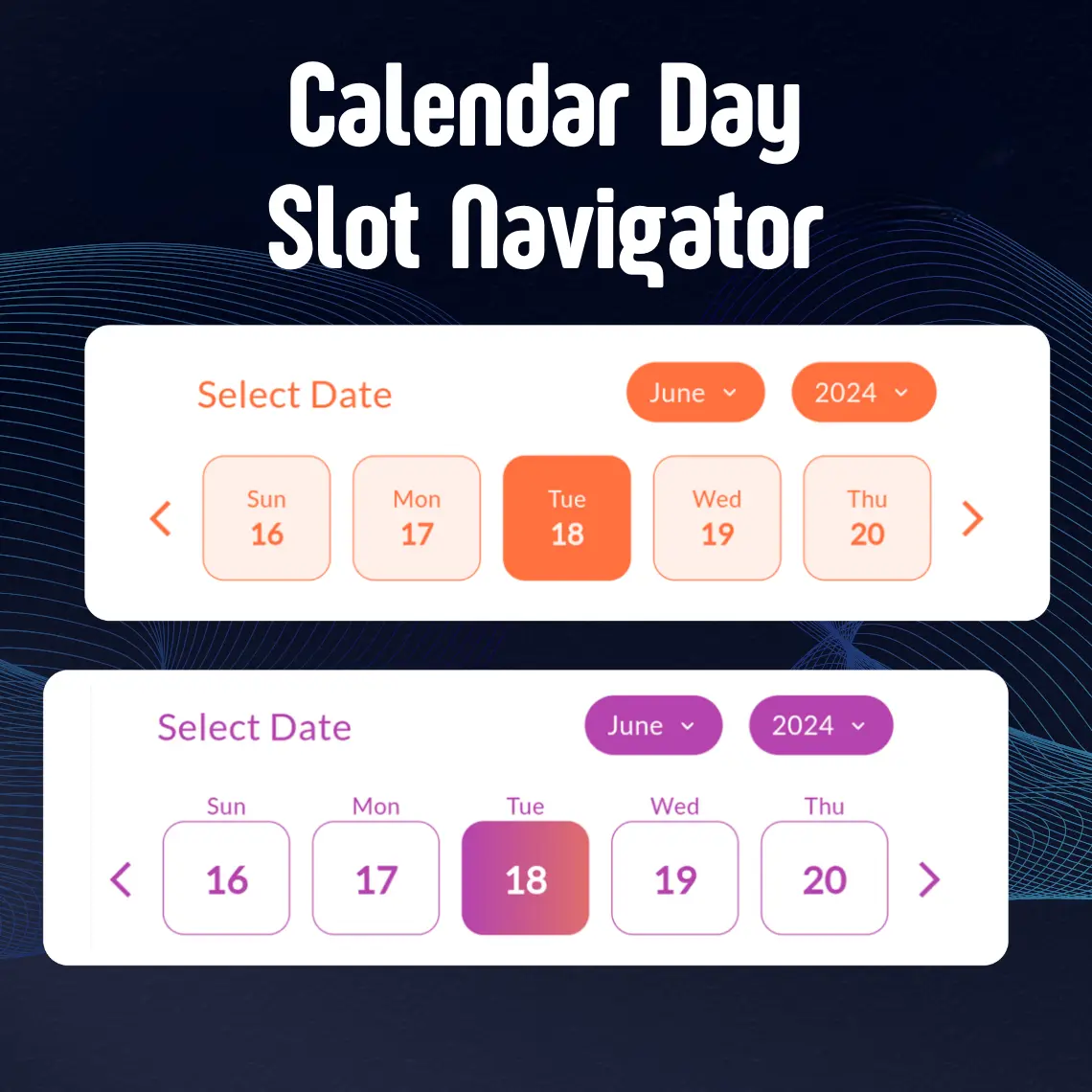
Calendar Day Slot Navigator
Calendar Day Slot Navigator is a Flutter widget that helps developers add a customizable calendar date selector to their apps. It provides a flexible interface for selecting single dates or date ranges, making it useful for booking systems, scheduling apps, and event management features.
The widget supports custom color themes, layout adjustments, and styling options, allowing developers to control how the calendar looks and behaves. It also includes features like configurable day slots, header customization, and different display modes for dates.
In simple terms, Calendar Day Slot Navigator helps developers easily add a modern and customizable calendar date-selection UI to Flutter applications.
38
Downloads
24
Likes
140
Points
MIT
License
MIT License
Free & open source forever
Dart Native
100% pure Dart code
Cross Platform
iOS, Android, Web & Desktop
Community
Actively maintained
Features
Key Points
Everything this package offers out of the box.
Customizable Calendar Selector
Easily add a flexible calendar UI for date selection.
Single & Range Selection
Supports both single date and date range selection.
Day Slot Configuration
Allows customization of individual day slots for better control.
Theme & Color Customization
Adjust colors and themes to match app design.
Flexible Layout Options
Modify layout and structure based on UI needs.
Header Customization
Customize calendar headers for better presentation.
Multiple Display Modes
Supports different date display styles and formats.
Ideal for Scheduling Apps
Perfect for booking systems, event management, and planners.
Easy Integration
Simple to implement in Flutter apps with minimal setup.
About
What is Calendar Day Slot Navigator?
Calendar Day Slot Navigator is a Flutter widget that helps developers add a customizable calendar date selector to their apps. It provides a flexible interface for selecting single dates or date ranges, making it useful for booking systems, scheduling apps, and event management features.
The widget supports custom color themes, layout adjustments, and styling options, allowing developers to control how the calendar looks and behaves. It also includes features like configurable day slots, header customization, and different display modes for dates.
In simple terms, Calendar Day Slot Navigator helps developers easily add a modern and customizable calendar date-selection UI to Flutter applications.
Key Points :
- Customizable Calendar Selector : Easily add a flexible calendar UI for date selection.
- Single & Range Selection : Supports both single date and date range selection.
- Day Slot Configuration : Allows customization of individual day slots for better control.
- Theme & Color Customization : Adjust colors and themes to match app design.
- Flexible Layout Options : Modify layout and structure based on UI needs.
- Header Customization : Customize calendar headers for better presentation.
- Multiple Display Modes : Supports different date display styles and formats.
- Ideal for Scheduling Apps : Perfect for booking systems, event management, and planners.
- Easy Integration : Simple to implement in Flutter apps with minimal setup.
Package Stats
Quick Install
flutter pub add calendar_day_slot_navigatorNeed Custom Integration?
Our team can help you integrate and customize this package for your project.
Get a Free QuoteGet Started in Seconds
Add this package to your Flutter project with a single command.
flutter pub add calendar_day_slot_navigatorNext step
Run `flutter pub get` then import the package in your Dart file.
Ready to build something great?
Integrate Calendar Day Slot Navigator into your project today and join thousands of developers who trust CodeX Lancers packages.
More Flutter Packages
 Flutter · Pub.dev
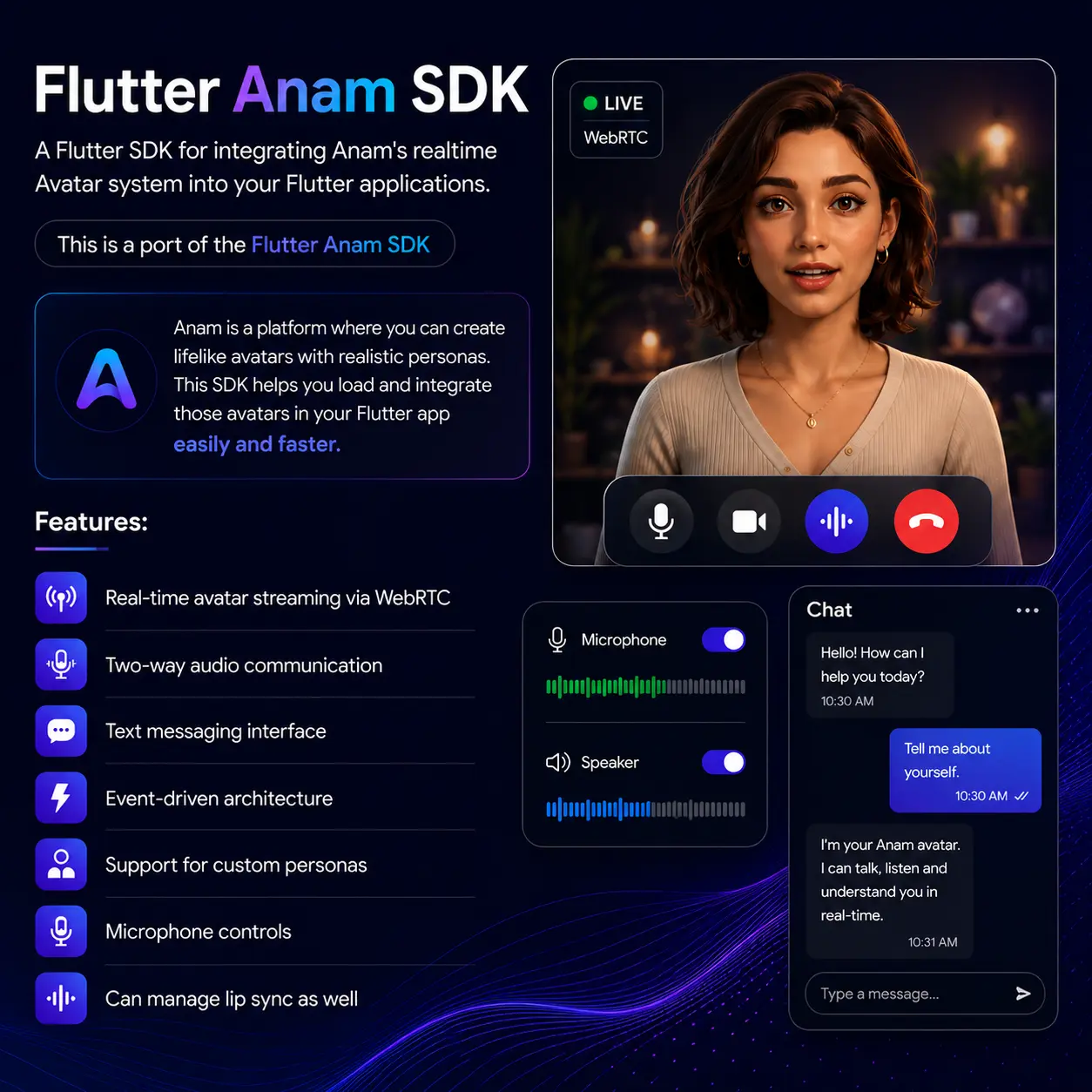
flutter anam sdk: ^0.0.1
A Flutter package for integrating Anam AI‘s real-time avatar system into your Flutter applications. Built on WebRTC, this is a Flutter port of the Anam JavaScript SDK. Features Real-time avatar video/audio streaming via WebRTC Two-way audio communication with microphone controls Text messaging with full message history Event-driven architecture for reactive UIs Custom persona configuration (avatar, voice, system prompt, language) Server-side session management with WebSocket proxy support Custom audio mode for bring-your-own-transcription pipelines Built-in AnamAvatarView widget Cross-platform: iOS, Android, macOS, Web
 Flutter · Pub.dev
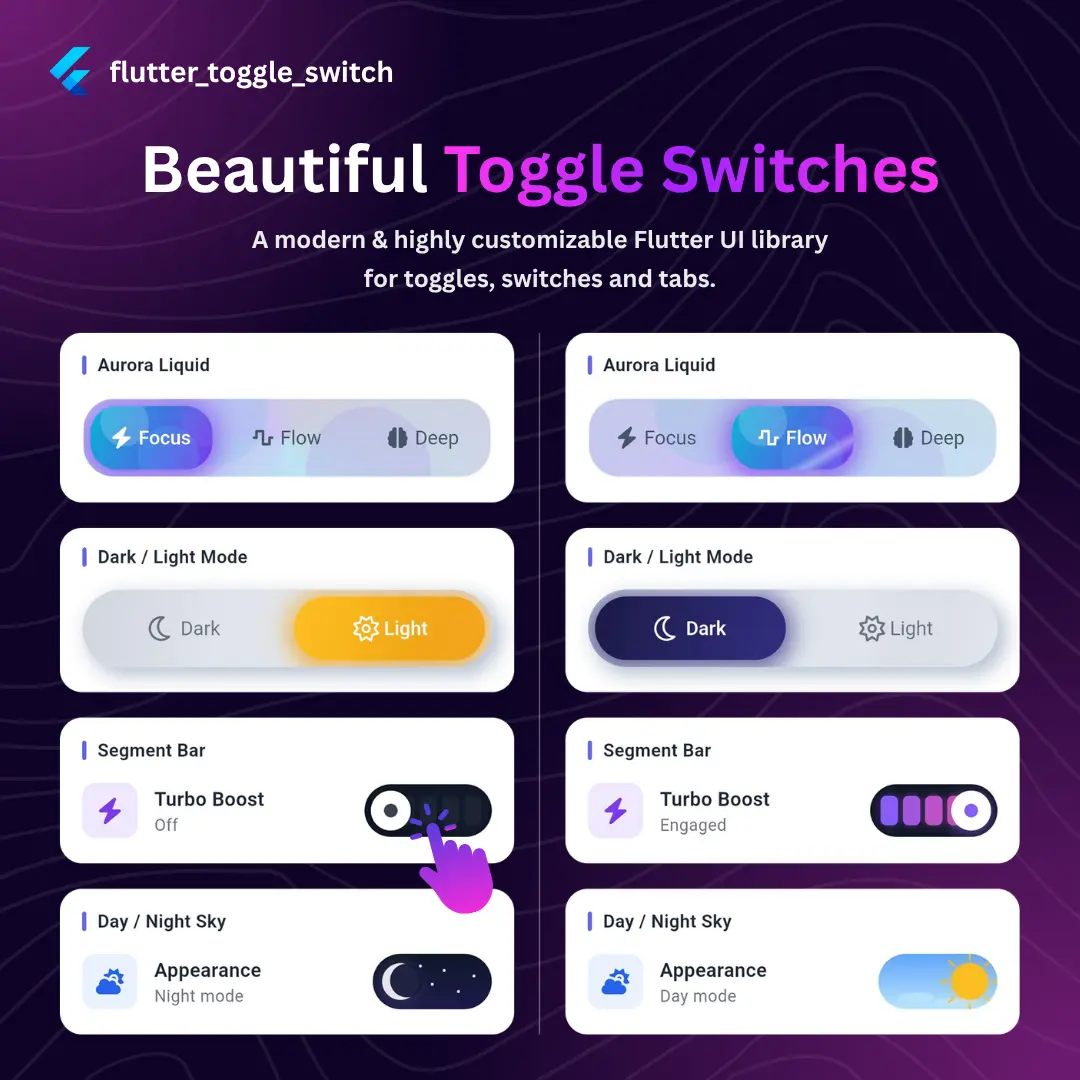
Flutter Toggle Switch 0.0.1
flutter_toggle_switch is a single-package solution for every toggle, switch, and tab bar UI pattern you need in a Flutter app. Instead of stitching together multiple libraries or building custom painted widgets from scratch, you get one unified FlutterToggle widget with a declarative API that scales from a simple two-state switch to a fully animated multi-tab navigation bar. Why this package? One widget, many shapes. FlutterToggle covers pill toggles, underline tabs, stacked card tabs, and magnetic blob navigation — all driven by the same onToggle callback and initialLabelIndex. Design-system ready. Seven decoration styles (solid, glass, neumorphic, outlined, tonal, floating, aurora) and five animation styles (slide, fade, scale, elastic, morph) let you match any design language without custom painters. Specialized switches included. PulseToggleSwitch, DayNightToggleSwitch, PowerToggleSwitch, and SegmentBarToggleSwitch handle common binary-state patterns with polished, themed animations out of the box. Production details built in. Haptic feedback, async cancel guards, shimmer effects, icon wiggle, semantic labels, and keyboard navigation are all first-class parameters — no custom wrappers required. Zero boilerplate. Drop in the widget, pass your labels, wire onToggle, done.
 Flutter · Pub.dev
Flutter Neumorphic UI
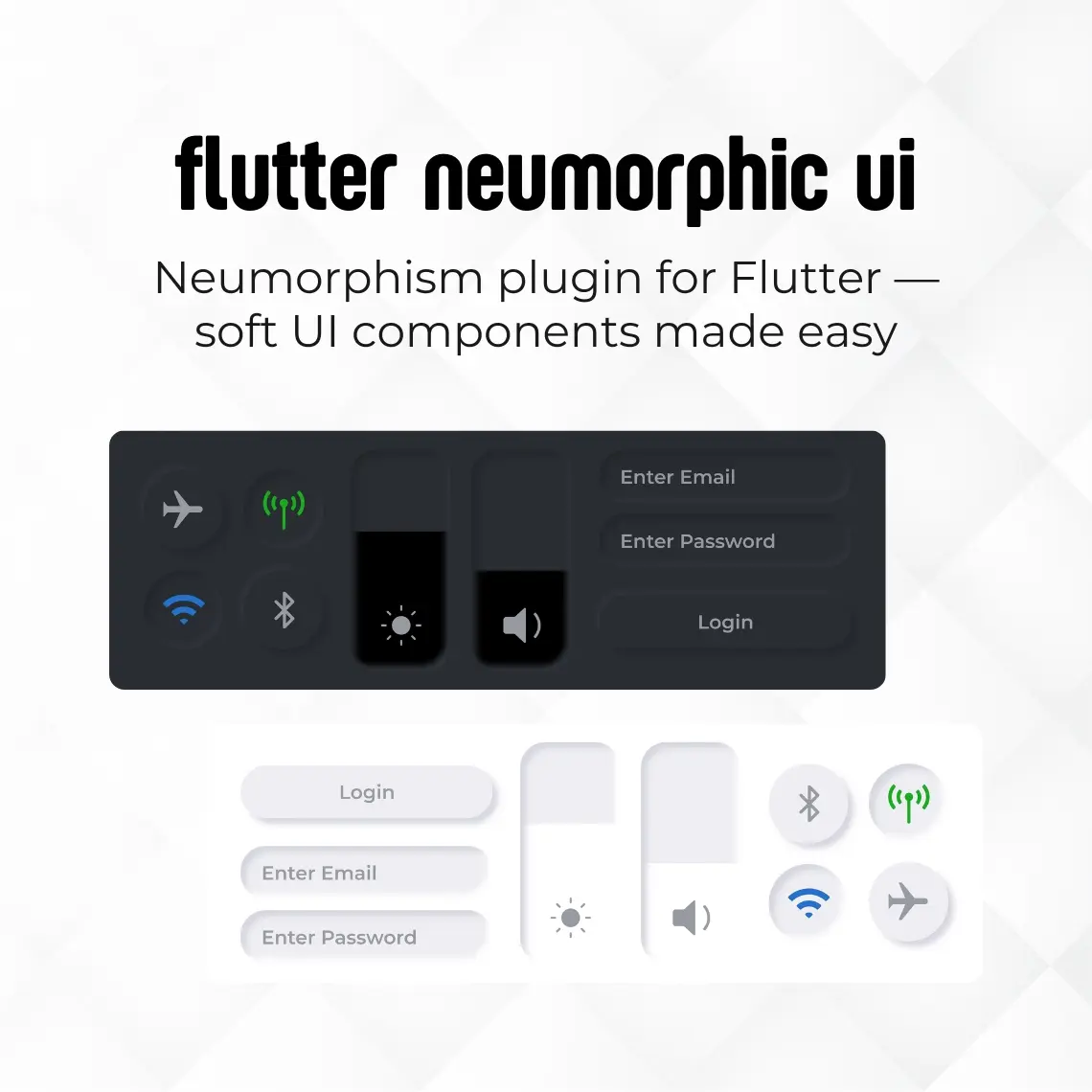
Flutter Neumorphic UI is a Flutter package that helps developers create neumorphic (soft UI) style interfaces easily. This design style uses soft shadows and highlights to give UI elements a smooth, slightly raised or pressed look. The package includes customizable widgets with options for themes, depth, and light source direction, making it simple to control the visual appearance of components like buttons, cards, and containers. Overall, Flutter Neumorphic UI makes it easier to build modern, clean, and visually appealing Flutter apps using the neumorphic design style without complex UI coding. Key Points : Neumorphic Design Support : Easily create soft UI (neumorphic) interfaces with realistic shadows and highlights. Customizable Widgets : Provides flexible widgets like buttons, cards, and containers with adjustable properties. Theme Control : Supports theme customization to maintain consistent app design. Depth & Elevation Settings : Fine-tune the depth to achieve raised or pressed UI effects. Light Source Direction : Control shadow direction for more realistic and dynamic visuals. Clean & Modern UI : Helps build visually appealing and minimalistic app interfaces. Easy Implementation : Simplifies complex UI styling without requiring advanced design coding.
 Flutter · Pub.dev
Flutter Zoom Meeting Wrapper
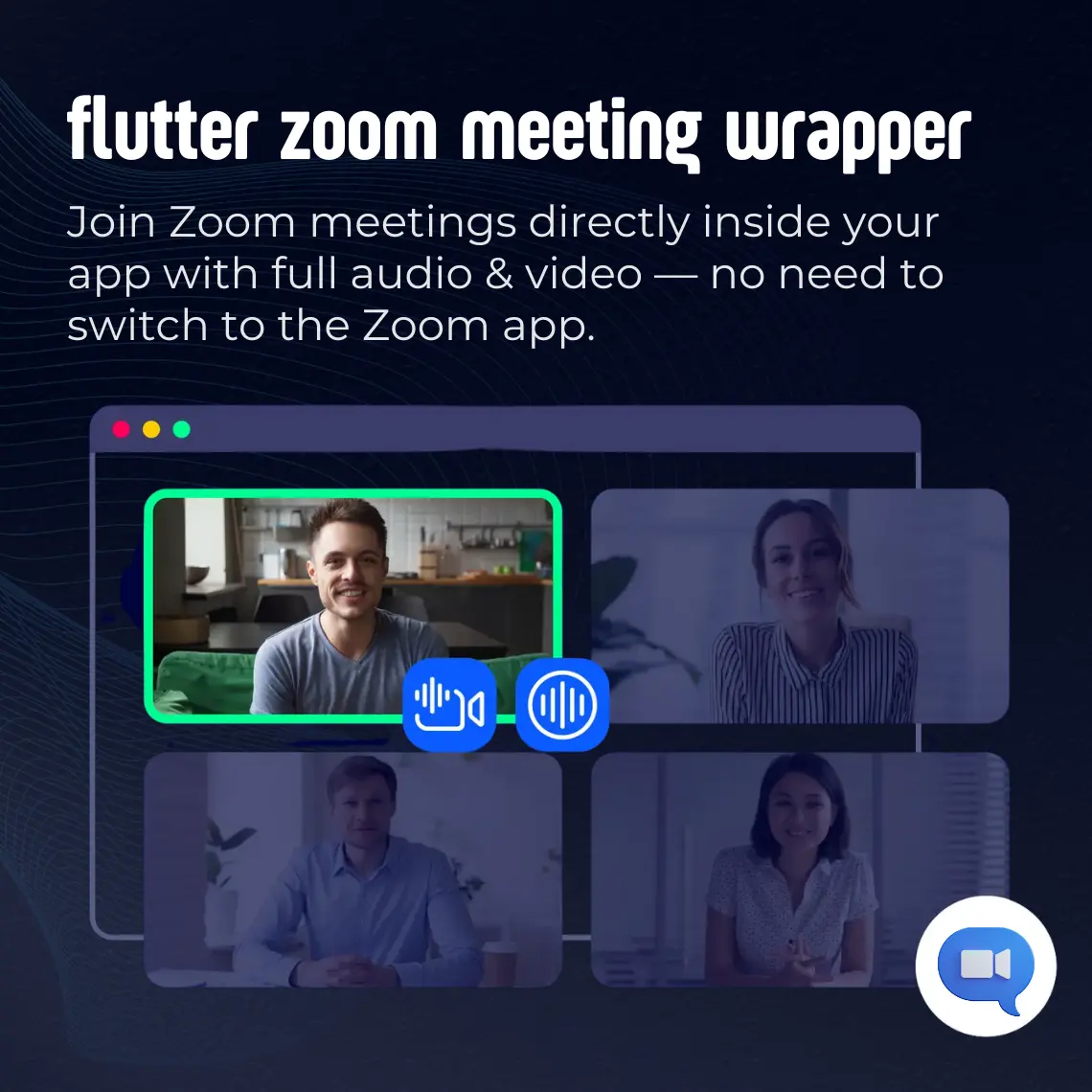
Flutter Zoom Meeting Wrapper is a Flutter plugin that allows developers to integrate the Zoom Meeting SDK directly into their mobile applications. It enables users to join Zoom meetings inside the app without opening the external Zoom application. The plugin supports simple SDK initialization using JWT authentication, making it easy to connect to Zoom services securely. It provides essential meeting capabilities such as joining meetings with a meeting ID, handling audio and video sessions, and managing Zoom integration within the Flutter environment. In simple terms, Flutter Zoom Meeting Wrapper helps developers add in-app Zoom meeting functionality to Flutter apps quickly and efficiently without complex setup. key Points : In-App Zoom Integration : Join Zoom meetings directly inside the Flutter app without opening the Zoom app. SDK-Based Implementation : Uses Zoom Meeting SDK for seamless and reliable integration. JWT Authentication Support : Secure and simple SDK initialization using JWT authentication. Meeting Join Functionality : Allows users to join meetings using a meeting ID بسهولة. Audio & Video Management : Supports handling of in-meeting audio and video sessions. Seamless User Experience : Keeps users within the app for a smooth meeting experience. Easy Integration : Quick and efficient setup without complex configuration.